
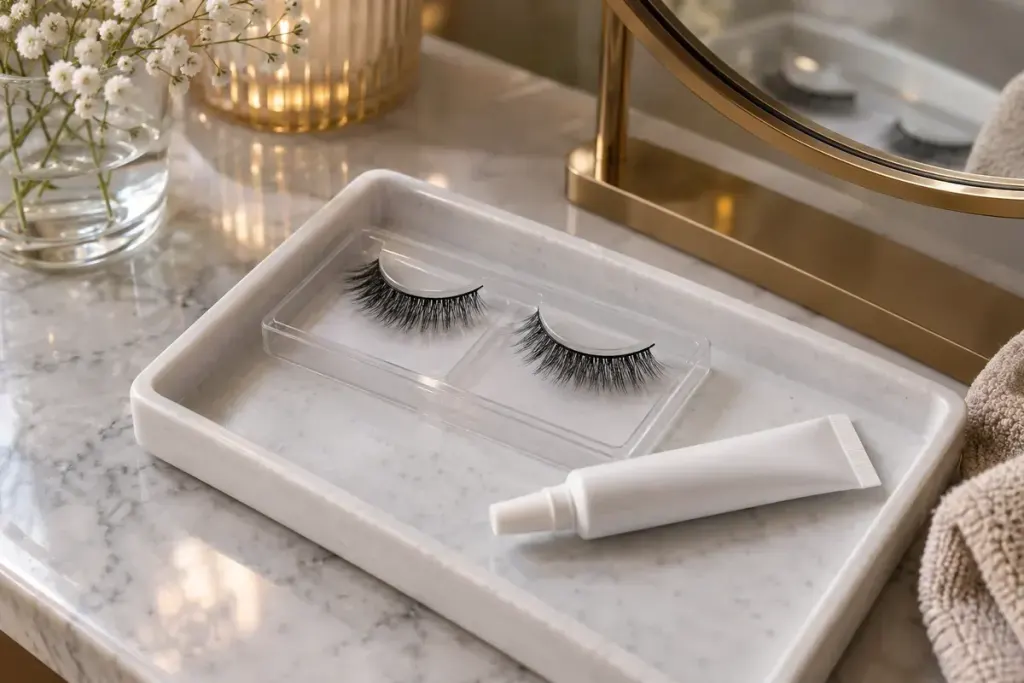
A strip lash can have the right style and still be too wide for your eye. If the band presses into the inner corner or extends awkwardly past the outer edge, adding more adhesive will not change its length. Start with the fit while the lash is clean and dry.
Ardell’s lash guidance recommends aligning the band with the natural lash line to check its fit. Its advice for an overly wide strip is to trim from the outer corner where appropriate, preserving the intended design. Check the instructions for your particular lash, because constructions and application methods differ.
Make the adjustment away from your eye
With clean hands and good lighting, hold the strip in position without adhesive. Notice where the band begins and ends; do not judge only the longest decorative fibres. Remove it completely before making a small adjustment with suitable clean scissors. Keep blades away from the eye and recheck the fit rather than cutting a large section at once.
Assess each eye separately. The amount removed from one strip is not automatically the right amount for the other. Once the fit is comfortable, follow the adhesive’s own application, waiting-time and removal instructions. Strip lashes and products intended for a different application method are not interchangeable simply because both are called false lashes.
Comfort is more than a styling detail
The FDA’s eye-cosmetic safety guidance notes that false-lash adhesives can cause irritation or allergic reactions. Read the ingredients, use products intended for the eye area and avoid eye cosmetics when the surrounding skin is inflamed or an eye infection is present.
Stop using a product that irritates your eyes. Persistent irritation needs medical attention rather than another attempt to disguise the problem. Never substitute household glue for lash adhesive.
Before an event, allow time for a calm trial application and removal. The useful result is a band that sits comfortably and comes off as directed—not a strip held in place through discomfort for the sake of a photograph.